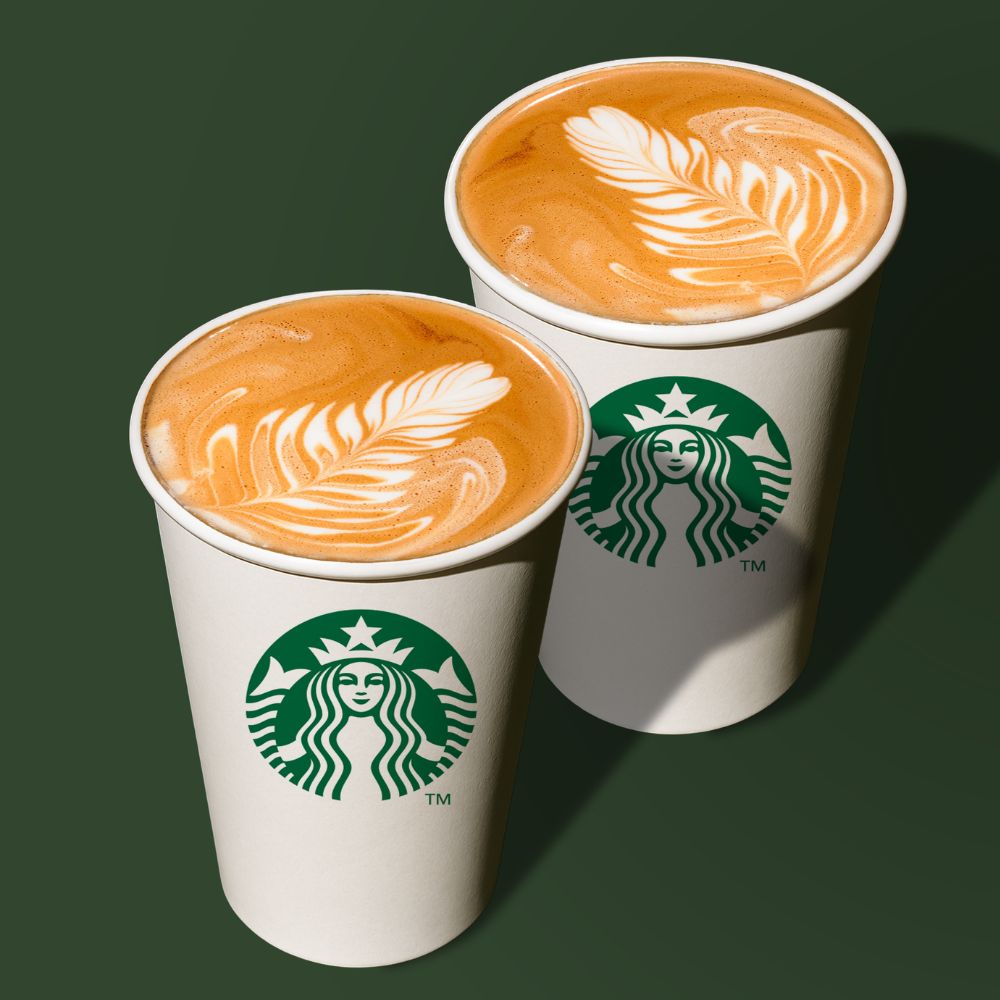
Order Starbucks Coffee with tokenwear
Spend TKZ tokens to buy coffee and snacks at Starbucks.
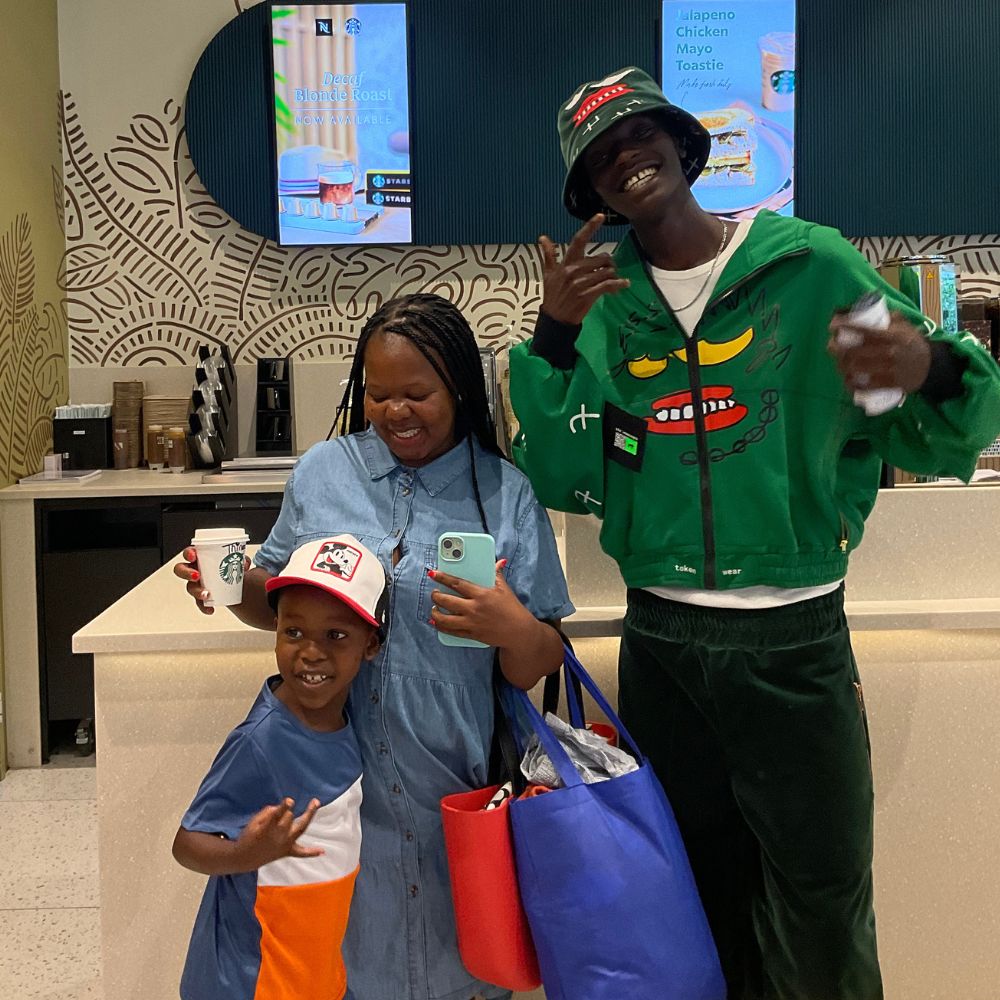
Step 1: Visit Starbucks & Present Garment
Visit a participating Starbucks store and show the QR code tag on your Pay Hoodie or Shirt at the counter.
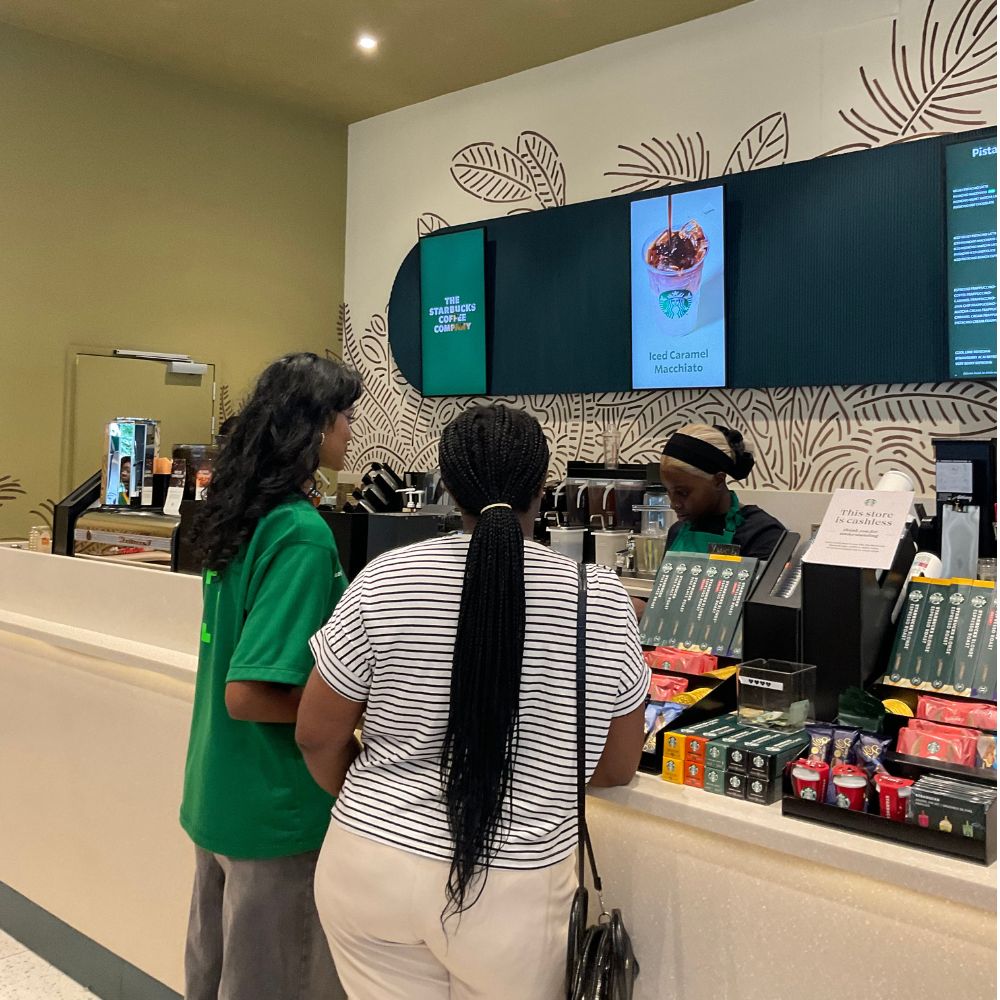
Step 2: Enter your SECRET PIN
Staff scans your QR code, you then enter your tokenwear SECRET PIN to authenticate and authorize checkout.
Step 3: Instant Approval
tokenwear Pay checks whether your garment has enough available tokens. If approved, tokens are deducted instantly.
If you don't have enough TKZ tokens, the transaction is declined. Preload your garment anytime before ordering!
Enjoy your coffee ☕️
You can now enjoy your coffee. You just paid with your wearable garment!